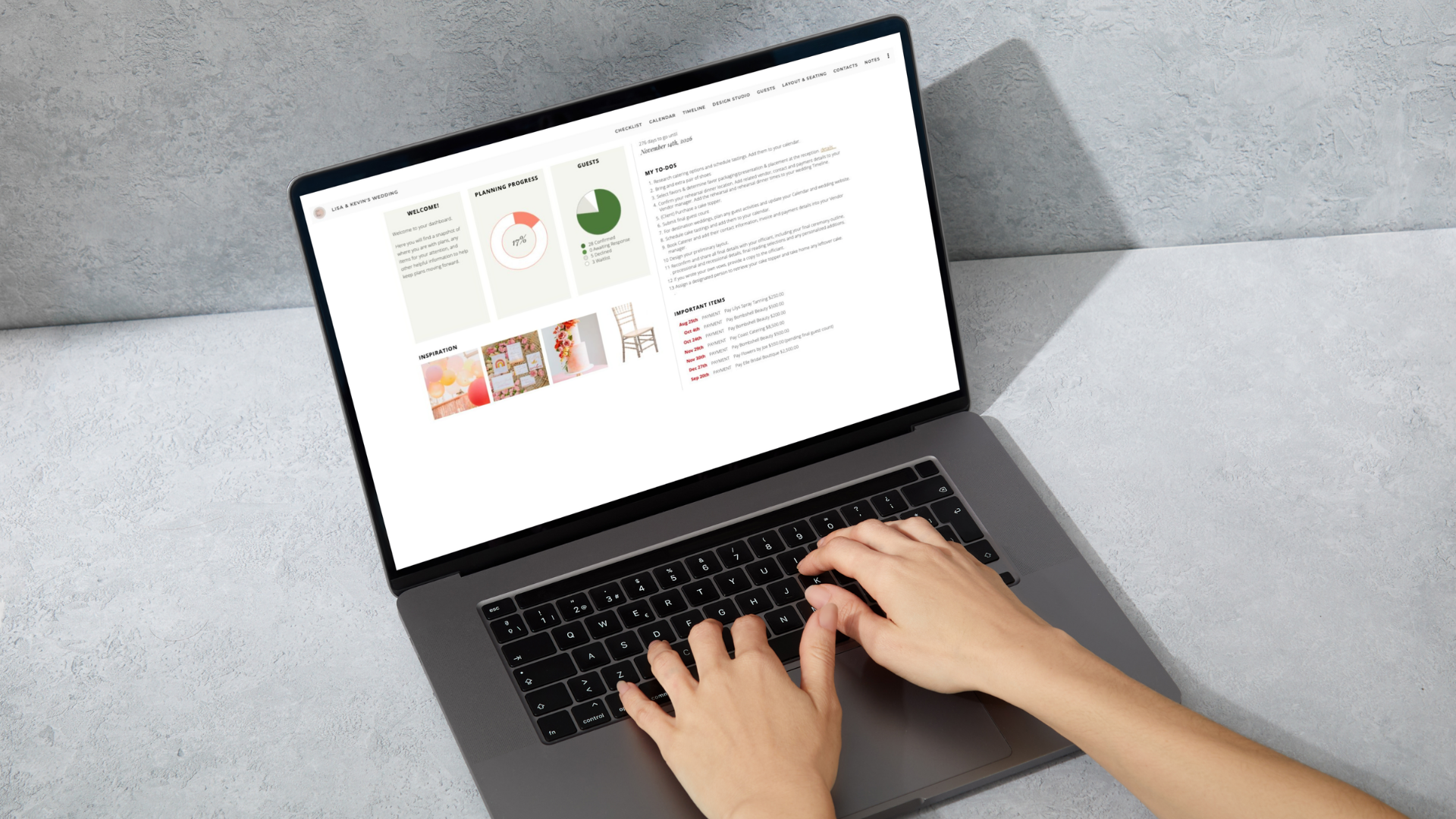


A Portal Your Clients Will Love
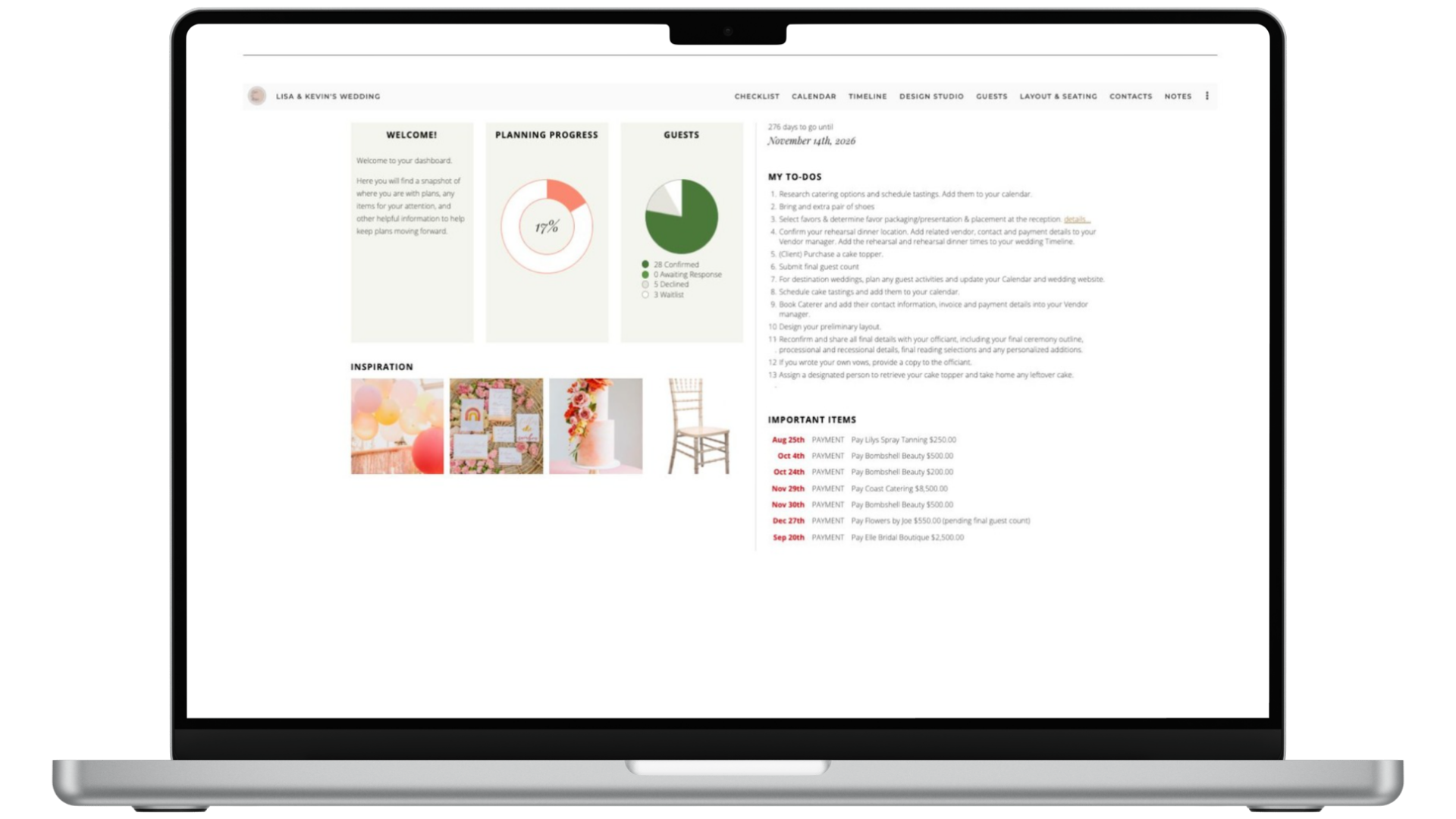
Laptop screen of the Aisle Planner Client Portal overview screen.

Give your clients a personalized hub they can access anytime — so they stay informed, feel confident, and collaborate with ease throughout the planning journey.
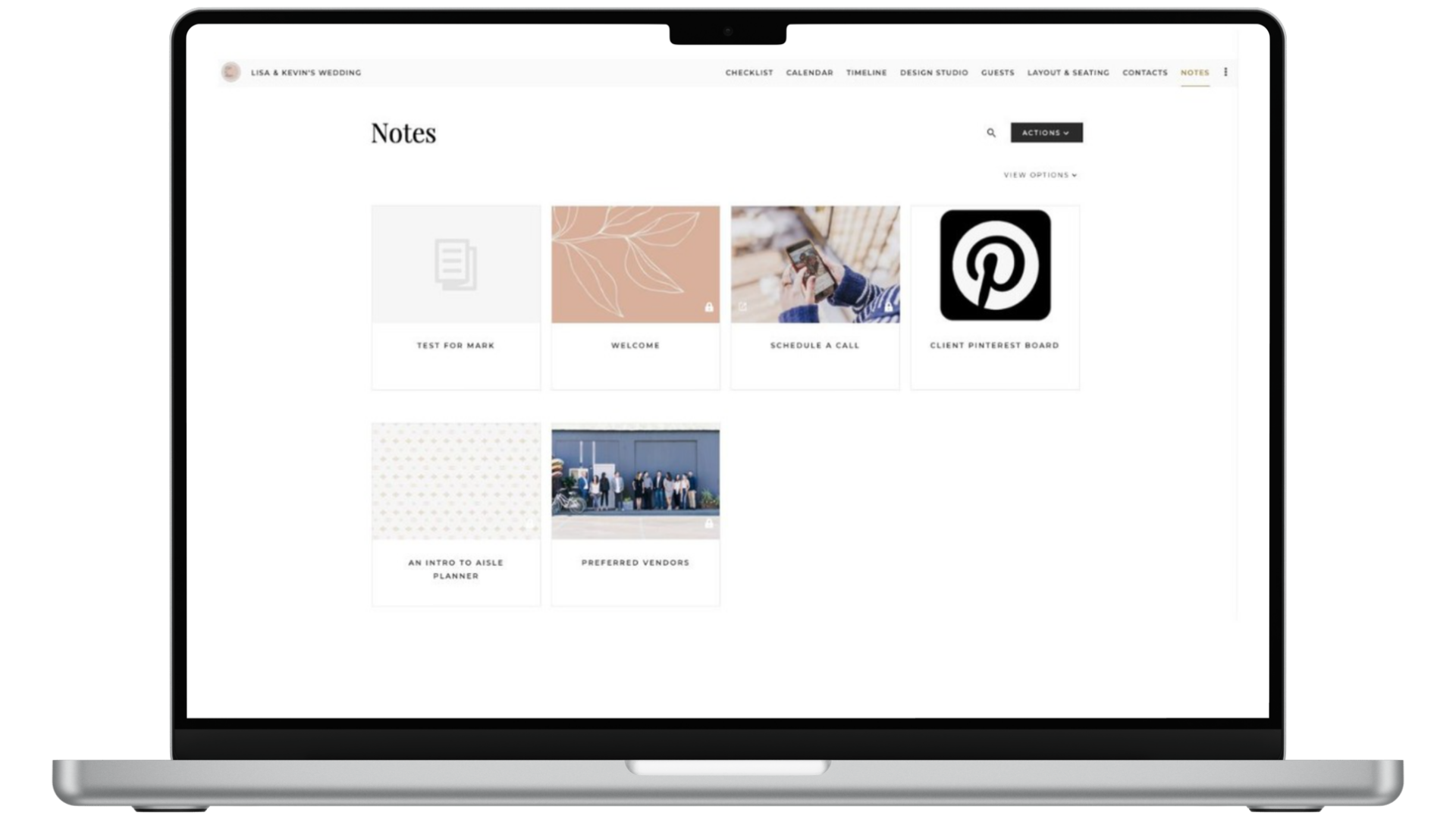
Aisle Planner client notes section

Centralized Collaboration = Fewer Emails, More Clarity

Clients juggle emails, texts, and documents, which leads to missed details. Aisle Planner Pro’s client portal keeps everything in one branded space for smoother communication and planning.
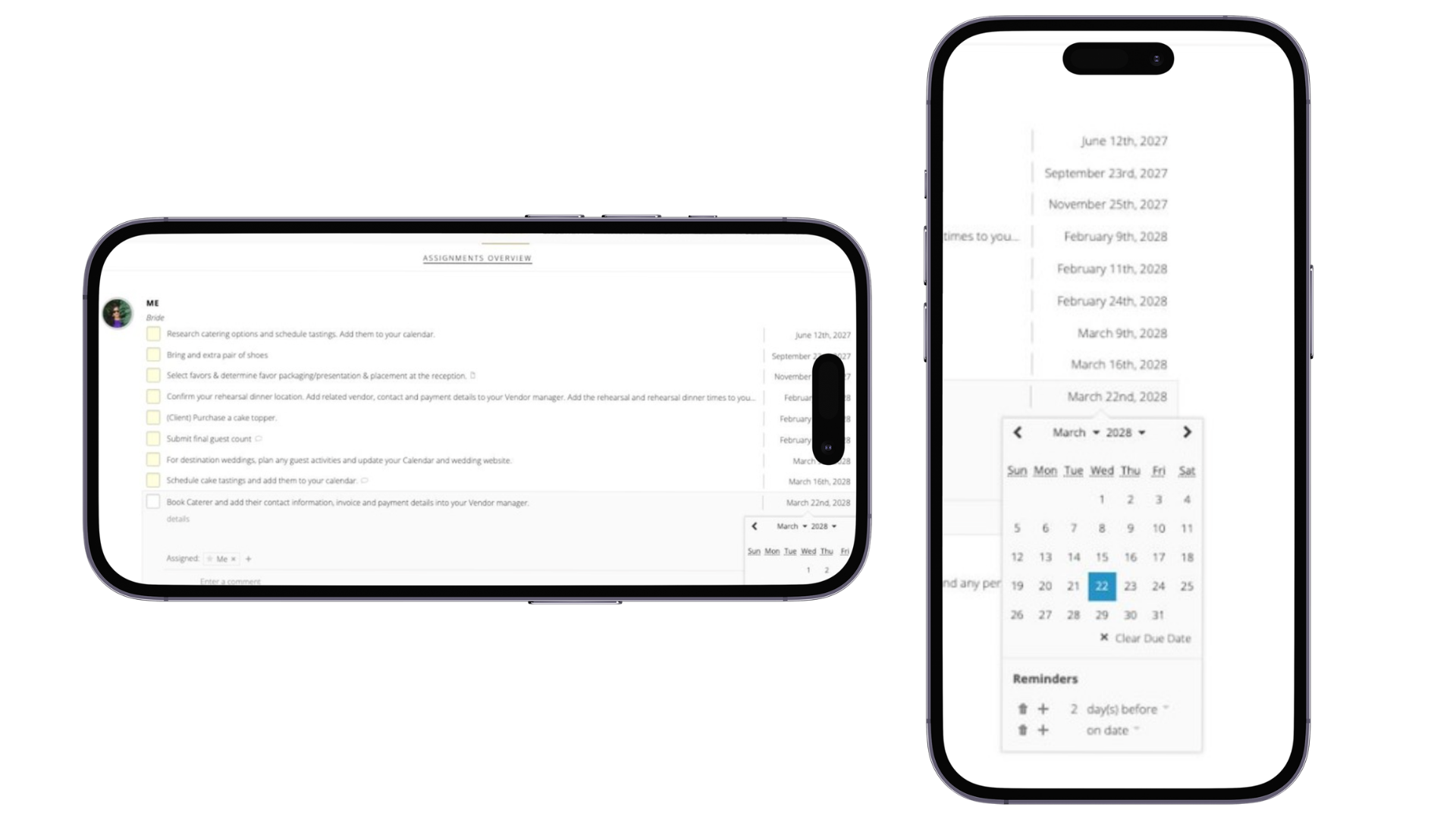
A centralized place for clients to view tasks, timelines, and updates
Clear communication without email overload
Professional, branded login that reflects your business
Easy access to assignments, files, reminders, and more
Phone image of the client portal check list and calendar view

Tools Clients Can Engage With

Personalized Dashboard
Clients see a simple dashboard with their tasks, deadlines, and next steps at a glance.
Assigned Tasks & Items
Clients only see the tasks, appointments, and reminders assigned to them.
Interactive Notifications
Clients receive in-app and email notifications for comments, reminders, and updates.
Branded Login Experience
Customize the client login with your branding for a polished, consistent experience.
Event Pro on laptop organizing the checklist and client portal.

Stay Connected — Without Email Overload

Communication in Aisle Planner Pro keeps conversations clear, organized, and easy to find.

Comment directly on tasks, photos, or files and notify clients
Email notifications include context so replies can happen without logging in
In-app notifications keep everything in one place
Shared tools ensure accountability on both sides
Real Planners
Real Revenue Wins